
GUIDE · 2026-10-28
New Player's Starter Guide: Welcome to WoW Forever
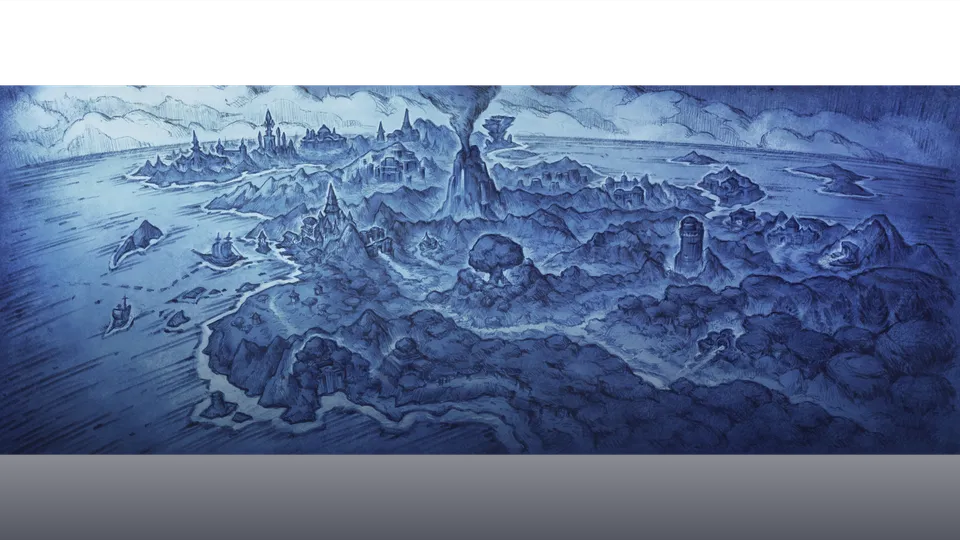
Starting your journey in World of Warcraft: Forever begins with setting up your account, choosing your gameplay preferences, and selecting a character. Access to World of Warcraft: Forever is included with an active World of Warcraft subscription or Game Time.
To begin, create your Battle.net account. Sign up at the Battle.net Login, or visit the Battle.net Shop and select Account, then Create Account. Download the Battle.net desktop app, sign in, install World of Warcraft, and select World of Warcraft: Forever from the available game versions.
Choosing Your Experience Preset
The first time you log in to World of Warcraft: Forever, you’ll be asked to Choose Your Experience Preset:
- Classic Preset: Classic A more traditional presentation with simpler visuals, standard character models, and fewer modern interface features enabled by default.
- Enhanced Preset: Enhanced An updated presentation with higher visual fidelity and additional interface features enabled by default.
Individual settings can be adjusted at any time under Game Menu > Options.
Selecting a Ruleset
Before character creation, select a ruleset that matches your preferred playstyle: Normal for standard questing with optional PvP, PvP for open-world faction warfare, or Roleplay for dedicated immersion.
Getting Started Checklist
| Step | Topic | Details |
|---|---|---|
| • | Choosing Your Class and Race | Select from 9 classes and 10 races. |
| • | Early Leveling & Quests | Pick up starter bag pouches and complete initial zone hubs. |
| • | First Talent Points | At level 10, unlock talent trees and allocate points. |
| • | Essential Tools | Utilize WoW4everBIS BiS rankings and talent planners. |